
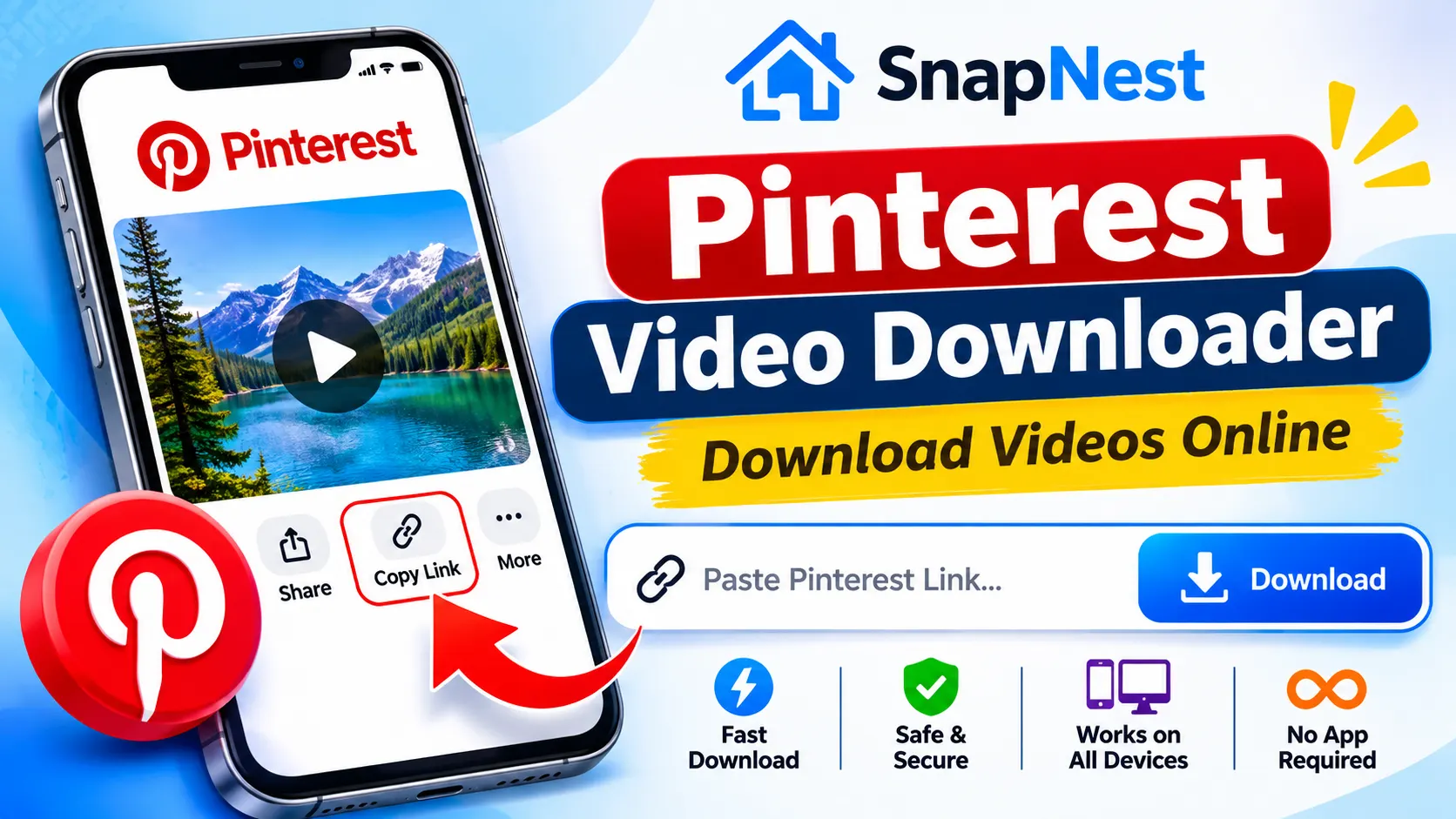
Pinterest Video Downloader – Download Videos, Images & GIFs Online
Pinterest is a popular platform for discovering creative ideas, tutorials, recipes, fashion inspiration, photography, and entertaining videos. Millions of users explore Pinterest every day to find visual content they enjoy and want to save.
Sometimes, users want to download their favorite Pinterest videos, images, or GIFs to their devices for later viewing. SnapNest makes this process simple with its free online Pinterest Downloader.
With the SnapNest Pinterest Video Downloader, you can download Pinterest videos, images, and GIFs online without installing a separate application. Simply copy the Pinterest link, paste it into the downloader, and get your available download options.
Whether you use Android, iPhone, or PC, SnapNest provides a simple way to download supported Pinterest content directly through your browser.
What Is a Pinterest Video Downloader?
A Pinterest Video Downloader is an online tool that allows users to download supported videos from Pinterest using their video URLs.
Pinterest contains different types of visual content, including cooking tutorials, educational videos, DIY projects, travel inspiration, fashion ideas, and creative videos.
SnapNest goes beyond video downloading. It also supports Pinterest image and GIF downloads, making it a convenient solution for users who want to save different types of Pinterest content.
With SnapNest, you can:
- Download Pinterest Videos in HD quality.
- Save Pinterest Images to your device.
- Download Pinterest GIFs online.
- Use the tool without installing additional software.
- Access the downloader on mobile and desktop devices.
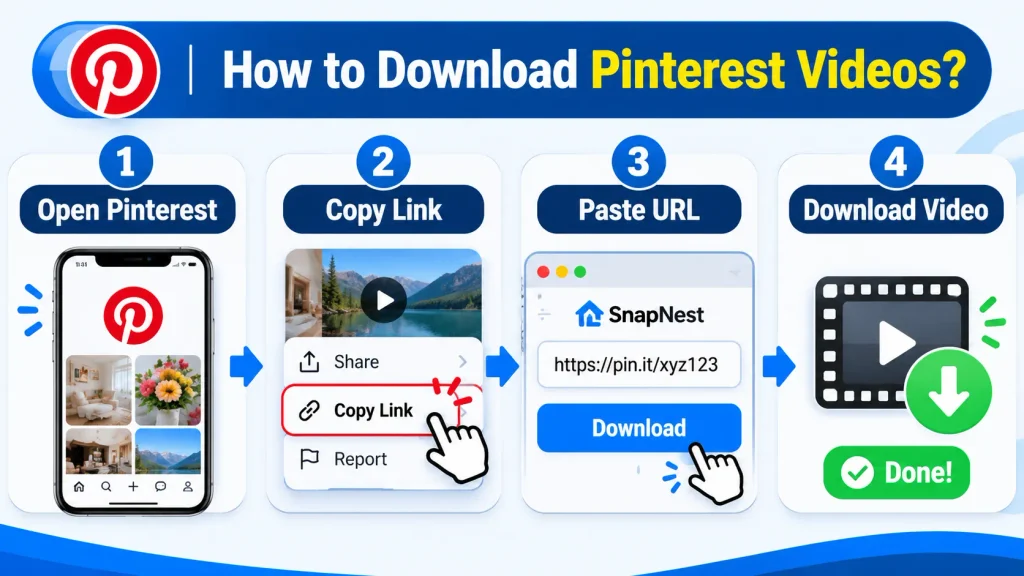
How to Download Pinterest Videos Online?
Downloading Pinterest videos with SnapNest is simple. Follow these steps:
- Open Pinterest: Visit Pinterest through its website or mobile application.
- Find a Video: Select the Pinterest video you want to download.
- Copy the Video Link: Open the Share option and select Copy Link.
- Visit SnapNest: Open the SnapNest website in your browser.
- Paste the URL: Insert the copied Pinterest video link into the downloader input box.
- Download the Video: Click the Download button, process the link, and select the available download option.
How to Download Pinterest Images?
SnapNest also works as a Pinterest Image Downloader, allowing users to save supported Pinterest images online.
Pinterest is full of photography, wallpapers, fashion inspiration, recipes, home decoration ideas, and creative designs. If you want to save an image for later viewing, you can use SnapNest.
Follow these simple steps:
- Open Pinterest and find the image you want to save.
- Select the Share option.
- Copy the Pinterest image link.
- Visit SnapNest in your browser.
- Paste the copied link into the input field.
- Click Download and select the available image download option.
You can save supported Pinterest images directly to your device without installing a separate downloader application.
How to Download Pinterest GIFs Online?
Pinterest GIFs are useful for sharing animations, creative expressions, and entertaining visual content.
With SnapNest, users can also download supported Pinterest GIFs through a simple online process.
Here is how to do it:
- Open Pinterest and find your preferred GIF.
- Copy its Pinterest link using the Share option.
- Visit the SnapNest website.
- Paste the copied URL into the downloader.
- Click the Download button.
- Select the available GIF download option.
SnapNest makes it easy to process supported Pinterest GIF links from your browser.
How to Use SnapNest Pinterest Downloader?
SnapNest provides a simple interface for downloading supported Pinterest videos, images, and GIFs.
You do not need to install a separate downloader application or create an account to use the online tool.
Follow these steps:
- Open the SnapNest website.
- Copy a Pinterest video, image, or GIF link.
- Paste the URL into the downloader input field.
- Click the Download button.
- Wait for the link to be processed.
- Choose your available download option.
The simple interface makes the process easy for both new and experienced users.
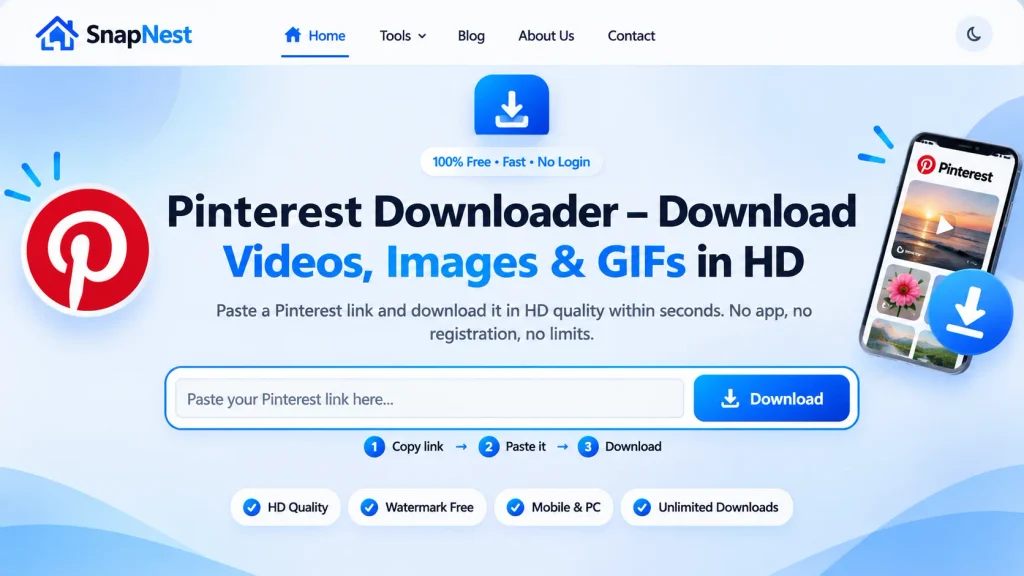
Download Pinterest Videos on Android, iPhone, and PC
One of the useful features of SnapNest is that you can access its online downloader from different devices.
Android
Open Pinterest on your Android phone and find the video, image, or GIF you want to save. Copy its link and visit SnapNest through your mobile browser.
Paste the URL into the downloader and click Download. Select the available option to save your content.
iPhone
iPhone users can also access SnapNest through Safari or another compatible browser.
Open Pinterest, copy the link of your preferred video, image, or GIF, and visit SnapNest. Paste the link into the input field and process it. Follow the available download options to save your content.
PC or Laptop
If you use a computer, open Pinterest in your preferred browser and copy the content link.
Visit SnapNest, paste the URL into the downloader, and click Download. Once the link is processed, select your preferred available download option.
[IMAGE 3: Android, iPhone, and PC downloader compatibility graphic]
Benefits of Using SnapNest Pinterest Downloader
SnapNest is designed to make downloading supported Pinterest content convenient. Here are some of its useful features:
1. Download Videos, Images, and GIFs
SnapNest supports three types of Pinterest content, allowing users to download supported videos, images, and GIFs using one online tool.
2. Free Online Downloader
You can access SnapNest online without purchasing a separate downloader application.
3. HD Video Quality
SnapNest provides HD-quality video download options where available, helping users save supported videos in high quality.
4. No Watermark
Download supported content without an additional SnapNest watermark.
5. No App Installation Required
You do not need to install a separate downloader application. Simply visit SnapNest through your browser.
6. Mobile and PC Compatibility
Use SnapNest on supported Android phones, iPhones, tablets, and desktop computers.
7. Simple and Fast Process
The straightforward interface allows users to copy a Pinterest link, paste it into the input field, and access available download options.
Frequently Asked Questions (FAQs)
1. What is a Pinterest Video Downloader?
A Pinterest Video Downloader is an online tool that allows users to download supported Pinterest videos using their video links. SnapNest also supports Pinterest image and GIF downloads.
2. Can I download Pinterest videos without an app?
Yes. SnapNest is a browser-based tool, so you can download supported Pinterest videos online without installing a separate downloader application.
3. Can I download Pinterest images using SnapNest?
Yes. SnapNest supports Pinterest image downloads. Copy the image link, paste it into the downloader, and select the available download option.
4. Does SnapNest support Pinterest GIF downloads?
Yes. You can use SnapNest to process supported Pinterest GIF links and access the available GIF download options.
5. Does Pinterest Video Downloader work on iPhone?
Yes. You can access SnapNest through Safari or another compatible iPhone browser to download supported Pinterest videos, images, and GIFs.
6. Can I use SnapNest on Android and PC?
Yes. SnapNest is accessible through compatible web browsers on Android phones, iPhones, tablets, and desktop computers.
7. Is SnapNest free to use?
Yes. SnapNest provides free access to its online Pinterest downloading tool.
8. Why is my Pinterest download link not working?
A link may not work if it is incorrect, private, restricted, unavailable, or unsupported. Check the original Pinterest link and try again.
9. Do I need to create an account to use SnapNest?
No. You can access the SnapNest downloader without creating an account.
10. Is SnapNest affiliated with Pinterest?
No. SnapNest is an independent third-party website and is not officially affiliated with Pinterest.
Conclusion
If you are looking for a simple way to download Pinterest videos, images, and GIFs online, SnapNest provides all three features in one convenient place.
With its easy interface, HD video download options, watermark-free downloads, and compatibility with mobile and desktop browsers, SnapNest makes the downloading process straightforward.
Visit SnapNest and explore its free Pinterest Video Downloader to save supported Pinterest videos, images, and GIFs online.